
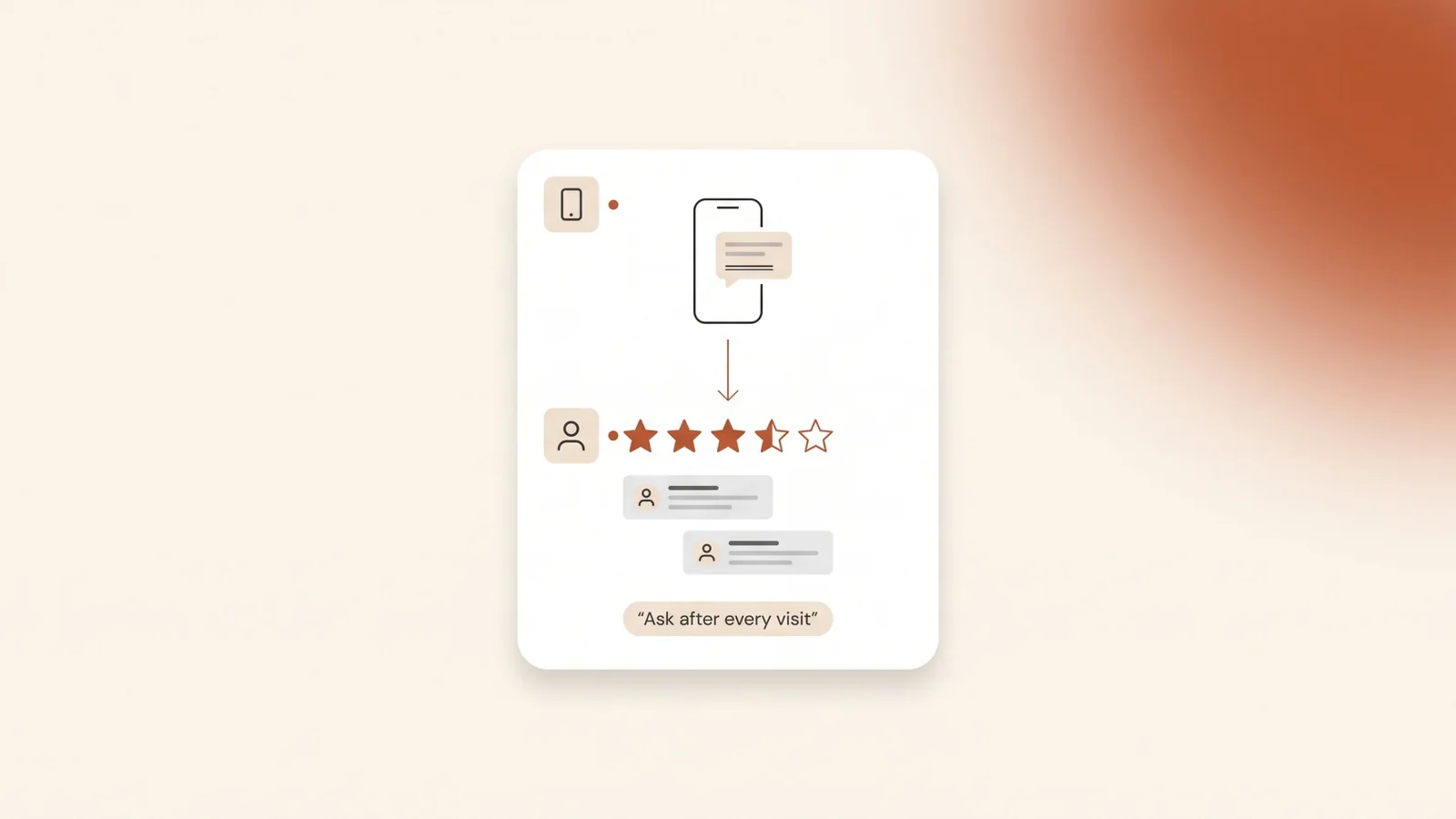
Two clinics sit on the same road in Riyadh. One has a handful of Google reviews, the newest from last year. The other has a steady stream of recent reviews, each with a reply from the clinic. A patient searching on Google Maps sees both and calls the second one. The difference may have nothing to do with the quality of care. Often one clinic simply asks every patient for a review, and the other never asks.
The short answer: ask every customer, right after the visit or the job is done, and send them a direct link to your review form. Get that link or QR code from your Google Business Profile, send it on WhatsApp with a short personal message, and reply to every review you receive. Never offer a discount or gift for a review, and never ask only your happy customers. Google bans both and can stop your profile from receiving new reviews.
Why do Google reviews matter for a local business?
A Google Business Profile is the free Google listing that controls how a business appears on Google Maps and in the local pack. The local pack is the map and three business listings Google shows above organic results for local searches. Reviews are one of the things Google uses to decide who appears there.
Google groups local ranking into three factors: relevance, distance and prominence. Prominence means how well known a business is, and reviews count toward it. Google says more reviews and positive ratings can help your business’s local ranking, and that replying to reviews shows customers you value their feedback.
Reviews also do a second job. They are what people read before they call. A customer choosing between two garages or two lawyers reads the most recent reviews, looks at the star rating, and checks whether the owner replies. Recent reviews tell them the business is still active and still good.
Reviews are not the only factor. Your category, hours, services and distance from the searcher matter too. Our guide on how to rank on Google Maps in Saudi Arabia covers the rest of the profile.
How do you get your review link and QR code?
Most customers will not search for your profile, open it and find the review button. Send them straight to the review form instead. Google gives every Business Profile a short review link and a QR code for this.
- Open your Business Profile while signed in to the Google account that manages it.
- Select Read reviews, then Get more reviews.
- Copy the link to share it in messages, or save the QR code image to print it.
Google says the review QR code can currently be created only from a computer browser, not from a phone. The same page suggests putting the link on receipts, in thank-you emails and at the end of chat conversations, and printing the QR code for your shop. It also names WhatsApp as a channel for review requests.
Save the link somewhere every staff member can reach it: a pinned note on the business WhatsApp account, the footer of your invoice template, or a card at reception.
When should you ask for a review?
Ask when the customer has just got what they came for. That is when the experience is fresh and the goodwill is highest. A week later, most people have moved on.
| Business | Best moment to ask | How to ask |
|---|---|---|
| Medical clinic | The same day, after the appointment | A WhatsApp message with the link once the patient is home |
| Restaurant or café | When the bill is paid | The QR code on the table card or receipt |
| Law firm | When a matter closes or reaches a milestone | A personal message from the lawyer who handled it |
| Car service centre | When the customer collects the car | The QR code at the counter, then a WhatsApp message |
| Real estate office | After the contract is signed or the keys are handed over | A message from the agent who handled the deal |
| Online store | After delivery, not after payment | The link in the delivery or thank-you message |
A starting point. Adjust it to the moment your own customers feel the job is done.
Two rules apply to every business. First, ask every customer, not only the ones who seemed happy. Google’s rules ban selectively asking for positive reviews, as the section below explains. Second, ask once and maybe remind once. Repeated messages turn a favour into a nuisance.
Some fields need extra care. A clinic patient or a law firm client may not want to say in public why they came. Tell them they only need to describe the service, and never mention their case or treatment in your reply.
What should the request say?
Keep it short, personal and easy. Use the customer’s name, say what they came for, include the link, and stop. A request that reads like a mass message gets ignored.
An English version:
Hi Khalid, thank you for choosing us for your car service today. If you have a minute, we’d really value your review on Google: [your review link]. It helps other people in Jeddah find us.
An Arabic version, for customers who write to you in Arabic:
مرحبًا خالد، شكرًا لاختيارك لنا لصيانة سيارتك اليوم. إن كان لديك دقيقة، يسعدنا أن تكتب تقييمك على قوقل من هنا: [رابط التقييم]. رأيك يساعد غيرك في جدة على الوصول إلينا.
Example messages only. Change the name, service and city to match your business.
- Write in the customer’s language. If they messaged you in Arabic, ask in Arabic. A request in their own language reads as personal, not automated.
- Send it from the business number they already know. A message from an unknown number looks like spam.
- Don’t tell them what to write or how many stars to give. Ask for their honest opinion.
If you already use the WhatsApp Business app or API, you can save this as a quick reply or a template. Our WhatsApp Business API guide explains the difference between the two.
What does Google not allow?
Google’s rules for reviews on Maps say every review must reflect a genuine experience. The rules that catch businesses most often are these:
| Not allowed | Do this instead |
|---|---|
| A discount, gift or free service in return for a review | Ask for the review with nothing attached |
| Asking only customers you think are happy | Send the same request to every customer |
| Staff, owners or relatives reviewing the business | Only real customers review |
| Pressuring customers to review while they are still at your premises | Display the QR code and let them choose |
| Review targets for staff, such as a set number of reviews | Make asking part of the routine, without quotas |
| Offering something in return for removing or changing a negative review | Reply publicly and fix the problem |
| Buying reviews or posting from several accounts | Never |
A summary of Google’s policy for business owners. The full policy is longer and Google updates it.
The penalties go beyond deleting the fake reviews. Google says it can restrict a Business Profile that breaks these rules: blocking new reviews for a set period, unpublishing existing reviews, and showing a warning on the profile that fake reviews were removed. Google says it emails the owner first and allows an appeal. A warning on your profile costs far more trust than a few slow months.
Be careful with anyone who sells reviews or promises a set number of five-star reviews a month. That service puts your profile at risk, not theirs.
How should you reply to reviews?
Reply to every review, good or bad. Google says the reviewer is notified when you reply, and an approved reply is posted publicly under their review. So every reply is read by two audiences: the customer who wrote it, and everyone who reads your profile later.
- Positive reviews: thank them by name and mention what they came for. One or two sentences is enough. Avoid copying the same reply on every review.
- Negative reviews: reply calmly, apologise for the experience without arguing about details, and invite them to contact you directly on a named phone number or WhatsApp. Then actually fix the problem.
- Language: reply in the language the review was written in.
- Privacy: never confirm that someone was a patient or client, and never mention details of their case or treatment.
You cannot delete a review because it is negative. If a review breaks Google’s rules, for example it is spam, off-topic or written by someone who was never a customer, you can flag it from your Business Profile for Google to check. An honest bad review stays, and a good reply to it often reassures readers more than another five stars would.
How to make asking a routine
Most businesses get a burst of reviews when they first try, then nothing. A steady flow of recent reviews needs a simple routine that does not depend on anyone remembering.
- Decide who asks. The receptionist, the agent who closed the deal, or an automatic message. One person owns it.
- Tie the request to an event. Payment, delivery, car collection or the end of an appointment.
- Use one saved message and one link. Everyone sends the same request.
- Reply to new reviews every week. Put it in a calendar.
- Check once a month. Count new reviews and read the negative ones for problems you can fix.
If your bookings or sales already go through a CRM or a booking system, the request can be sent automatically after each completed visit. That removes the human step most likely to be forgotten.
Frequently asked questions
How many Google reviews does a business need?
There is no fixed number. Google says more reviews and positive ratings can help local ranking, but it doesn’t publish a target. Compare yourself with the businesses that appear in the local pack for your main search, and aim for a steady flow of recent reviews rather than one burst.
Can I offer a discount in return for a Google review?
No. Google’s policy bans offering payment, discounts, free goods or services in return for a review. Reviews posted because of an incentive can be removed, and Google can restrict the profile, including blocking new reviews for a period.
Can I ask only my happy customers for reviews?
No. Google’s policy says businesses must not selectively ask for positive reviews or discourage negative ones. Send the same request to every customer. Asking everyone usually brings in more reviews anyway.
Can I delete a bad Google review?
No, a business can’t delete a review because it is negative. If a review breaks Google’s rules, for example spam or someone who was never a customer, flag it from your Business Profile. Otherwise, reply calmly and offer to resolve the issue directly.
Should I reply to every Google review?
Yes. The reviewer is notified when you reply, and approved replies are public, so future customers read them too. Keep positive replies short and personal, and answer negative ones calmly without sharing private details.
The bottom line
More Google reviews come from asking every customer at the right moment, with a direct link and a short personal message, and from replying to what they write. Nothing about it is complicated. What matters is doing it after every visit, and staying inside Google’s rules.
If you want help setting up your Google Business Profile, review link and reply routine, book a free audit and we’ll check what your profile is missing.